
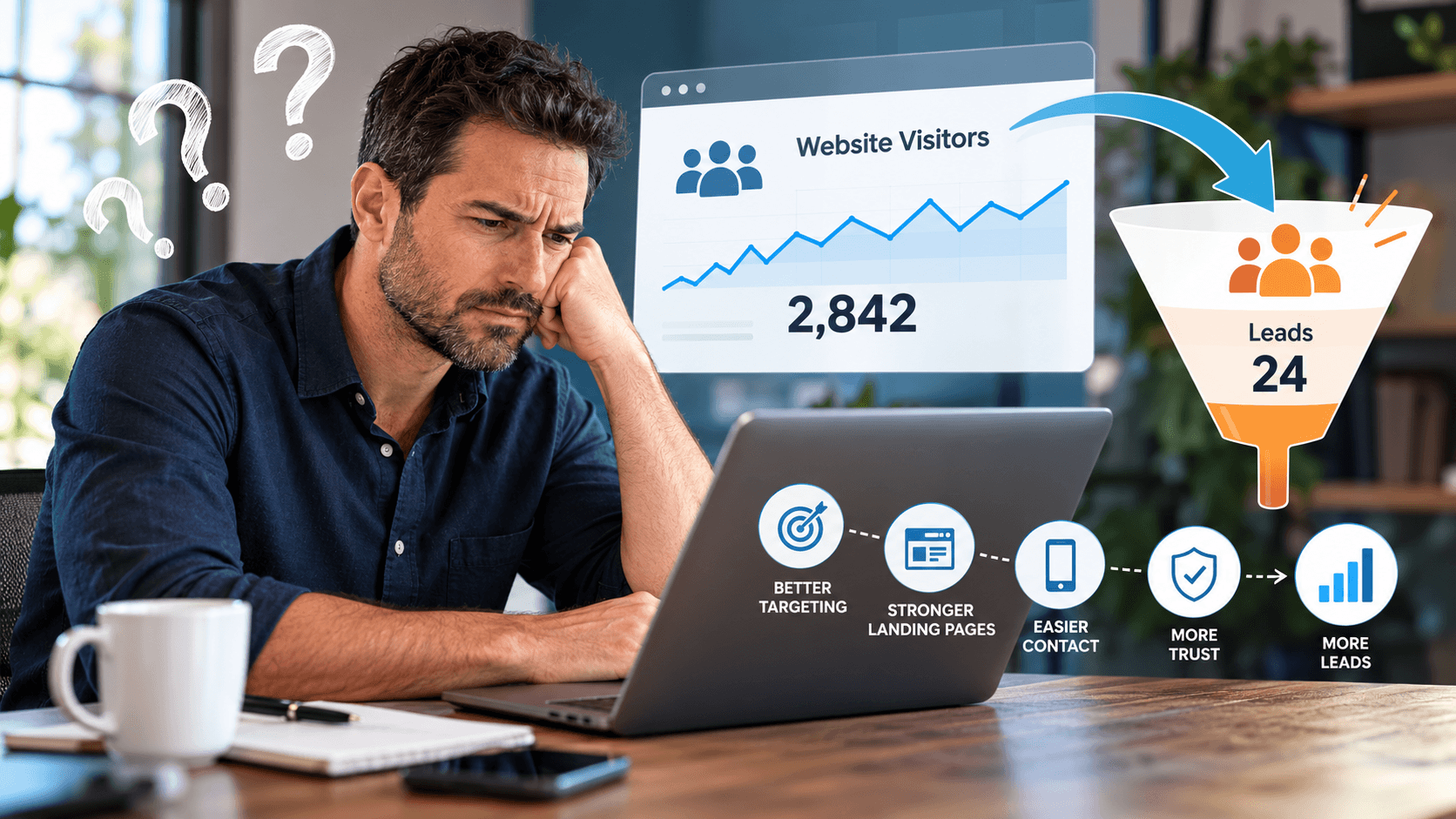
Your website is getting visitors. Your marketing reports show clicks. But your phone is still quiet, estimate requests are inconsistent, and new customer inquiries are not where you need them to be.
Before increasing your advertising budget or starting a complete website redesign, take a closer look at what happens between someone finding your business and contacting you.
Are you attracting people who need your services? Does your website explain why they should choose you? Is it easy to take the next step?
For a contractor, law firm, or other local service business, those are the questions worth answering.
The goal is not simply to get more people onto your website. It is to help the right people become qualified leads.
Here are seven areas to review when your website traffic is not translating into enough business opportunities.
1. You Are Attracting the Wrong Visitors
Start by asking whether the people visiting your website are a good match for the services you offer.
Consider a plumbing company serving Orlando. Someone researching how to replace a faucet themselves has a different immediate need from someone looking for a plumber to handle an active leak. Both searches relate to plumbing, but they do not represent the same opportunity.
Review your targeting against the work you actually want. Which services are priorities? Which locations can you serve? What makes an inquiry a good fit?
For Google Ads, the search terms report shows searches that triggered your ads. Reviewing those terms can reveal irrelevant searches and opportunities to use negative keywords, which exclude unwanted searches from your campaigns. Apply exclusions carefully so you do not block relevant customers.
For your website content, prioritize useful pages that answer questions about your actual services rather than chasing unrelated topics simply to attract traffic.
2. Your Landing Page Does Not Match What Visitors Expected
Imagine clicking an ad for frameless shower door installation and arriving on a general home improvement page that barely mentions shower doors.
You would have to search again—this time within the website—to find what you originally wanted.
Your landing page should closely match the ad, keyword, or search that brought the visitor there. The connection between the search, the advertisement, and the destination should be clear.
Review your most important service pages from a prospective customer’s perspective. Make sure each page clearly explains what you offer, where you offer it, and how to get started.
For example, a page promoting kitchen remodeling should focus on kitchen remodeling. Use relevant project photos, describe your process, answer common questions, and provide an appropriate way to request a consultation.
Before creating another page, check whether an existing service page can be improved. The objective is a clearer customer experience, not a larger page count.
3. Contacting You Takes Too Much Effort
Give each important page a clear primary action.
Depending on your business, that might be “Request an Estimate,” “Schedule a Consultation,” or “Call to Discuss Your Project.” Choose wording that accurately describes what happens next.
Then test the process yourself.
Can someone find the contact option without searching through several menus? Does the phone button work? Can they complete the form without guessing what information you need?
Well-designed forms should use clear labels, understandable required fields, appropriate input types, and helpful error messages.
Review every field in your inquiry form. Keep the information you need to evaluate and respond to the request, but question anything that could reasonably wait until a conversation.
For a contractor, asking about the service needed and project location may help qualify the inquiry. Requiring a detailed project specification before an initial discussion may be unnecessary.
Finally, submit a test inquiry and confirm that it reaches the correct person—not just a confirmation screen.
4. Your Mobile Experience Gets in the Way
Do not evaluate your website only on a large office monitor.
Open your key service pages on a phone. Read the content, open the navigation, tap the phone number, and complete the inquiry form.
Look for overlapping elements, small text, buttons that are difficult to tap, and pop-ups that obscure important information.
Performance deserves attention, too. Slow loading, delayed responsiveness, and shifting page elements can all create friction for visitors.
Use a performance assessment to identify specific problems rather than assuming the entire website needs replacing. Oversized images, unnecessary scripts, or unstable page elements may warrant targeted improvements.
Treat technical scores as diagnostic tools, not the final business outcome. After making changes, continue checking whether visitors can successfully contact you and whether qualified inquiries improve.
5. Your Website Makes Claims Without Showing Evidence
Review your website for broad statements such as “trusted professionals,” “quality service,” and “the best choice.”
Now ask what the page provides to support those statements.
Apply that principle to your service pages. Consider including genuine customer reviews, original project photos, team introductions, relevant credentials, and a clear explanation of your process.
A remodeling contractor could show completed work and explain the scope of each project. A professional services business could introduce the people handling client work and describe what the first consultation involves.
Use evidence that is accurate, relevant, and approved for publication. Do not invent testimonials, imply credentials you do not hold, or present an exceptional result as something every customer should expect.
The question to answer is simple: What can we show a prospective customer instead of asking them to take our word for it?
6. Your Reporting Confuses Activity With Leads
A button click is not automatically a new customer inquiry.
For example, someone clicking a phone number on a mobile website does not necessarily mean a conversation occurred.
Define the stages you want your reporting to measure. For a local service business, those might be an initial inquiry, a qualified prospect, a booked appointment, and a completed sale or signed client.
Keep spam, duplicate submissions, vendor solicitations, job applications, and existing customer support requests separate from new business leads.
If your CRM or lead management system allows it, track qualified leads and converted leads separately. This helps distinguish an initial inquiry from a later, more meaningful business outcome.
Review your marketing and sales records together. A useful question is not just, “Which campaign generated the most forms?” It is, “Which campaign generated inquiries we could realistically turn into customers?”
That distinction should guide your next improvement.
7. Leads Are Arriving, but Follow-Up Is Breaking Down
Sometimes the website is generating inquiries, but those inquiries are not progressing.
This is different from a website that produces no leads at all. It is a follow-up problem, and it deserves its own review.
Trace several recent inquiries from beginning to end. Identify who received each request, who responded, whether an appointment was offered, and what happened afterward.
Assign clear responsibility for new inquiries. Establish an approach for requests that arrive outside business hours, and make sure staff can see when someone still needs a response.
Where appropriate, use automation to acknowledge a request and notify your team, with suitable consent and privacy controls. Keep automated messages accurate: an acknowledgment should not suggest that an appointment is confirmed when no one has scheduled it.
Record why opportunities do not move forward. A service area mismatch requires a different response from an unanswered inquiry, an unavailable appointment, or a prospect who selected another provider.
Fix the Bottleneck Before Buying More Traffic
Before expanding your marketing budget, review the complete path from search to sale.
Start with your highest-priority service and the page supporting it. Check the targeting, message, mobile experience, contact process, tracking, and follow-up.
Correct obvious problems first. Then measure the results and test further changes deliberately. Avoid changing everything at once when you need to understand which improvement made a difference.
The most useful question is not, “How can we get more clicks?”
It is, “What is preventing the right visitors from becoming customers?”
Build a Website and Marketing Strategy That Work Together
At C & C Digital, we bring together search engine optimization, pay per click advertising, website development, and lead follow-up automation to support local business growth. Our focus is connecting marketing activity with qualified inquiries and opportunities—not simply adding more traffic to a report.
Whether you need to improve an existing website or better connect your advertising with your sales process, start with your business goals and the services you want to grow.
Contact us today to discuss your website, your marketing, and your next steps toward attracting more qualified leads.
